For Windows 10 and 11
Screenshots and recording,
without the wait.
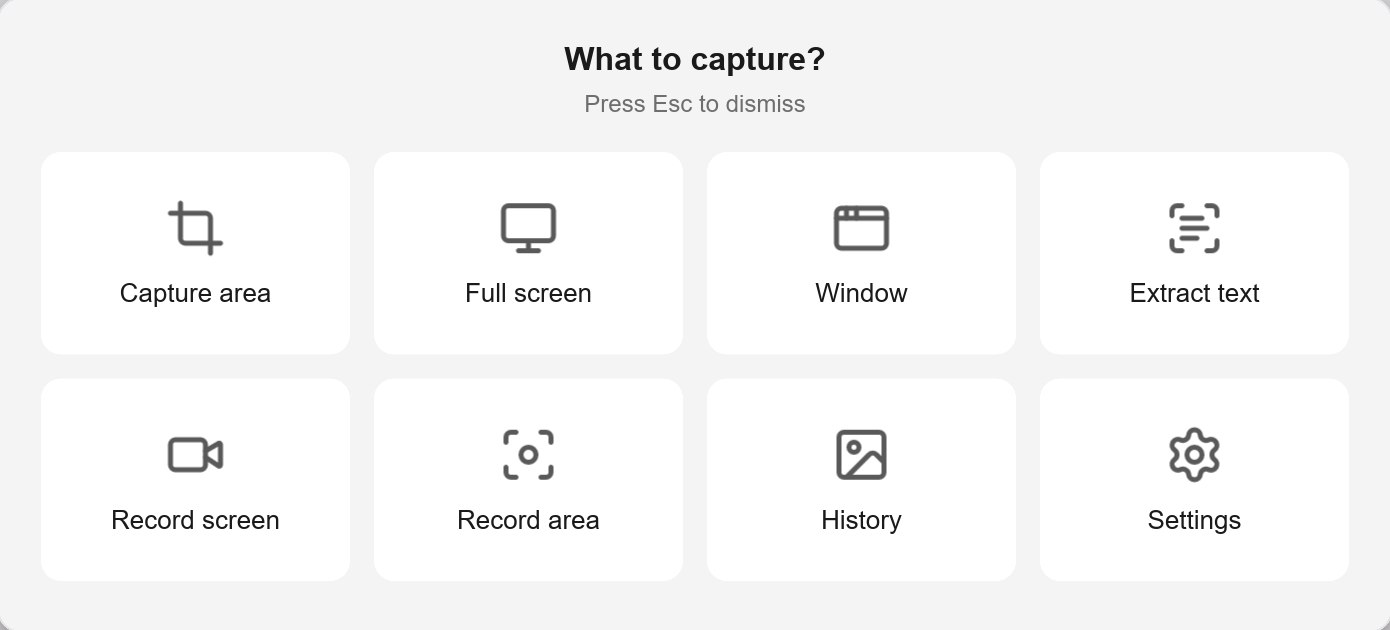
Press PrintScreen and pick: region, window, full screen, recording or text. One light program that opens instantly.
- To capture
- 1 key
- Languages
- 12
- Needs admin?
- No
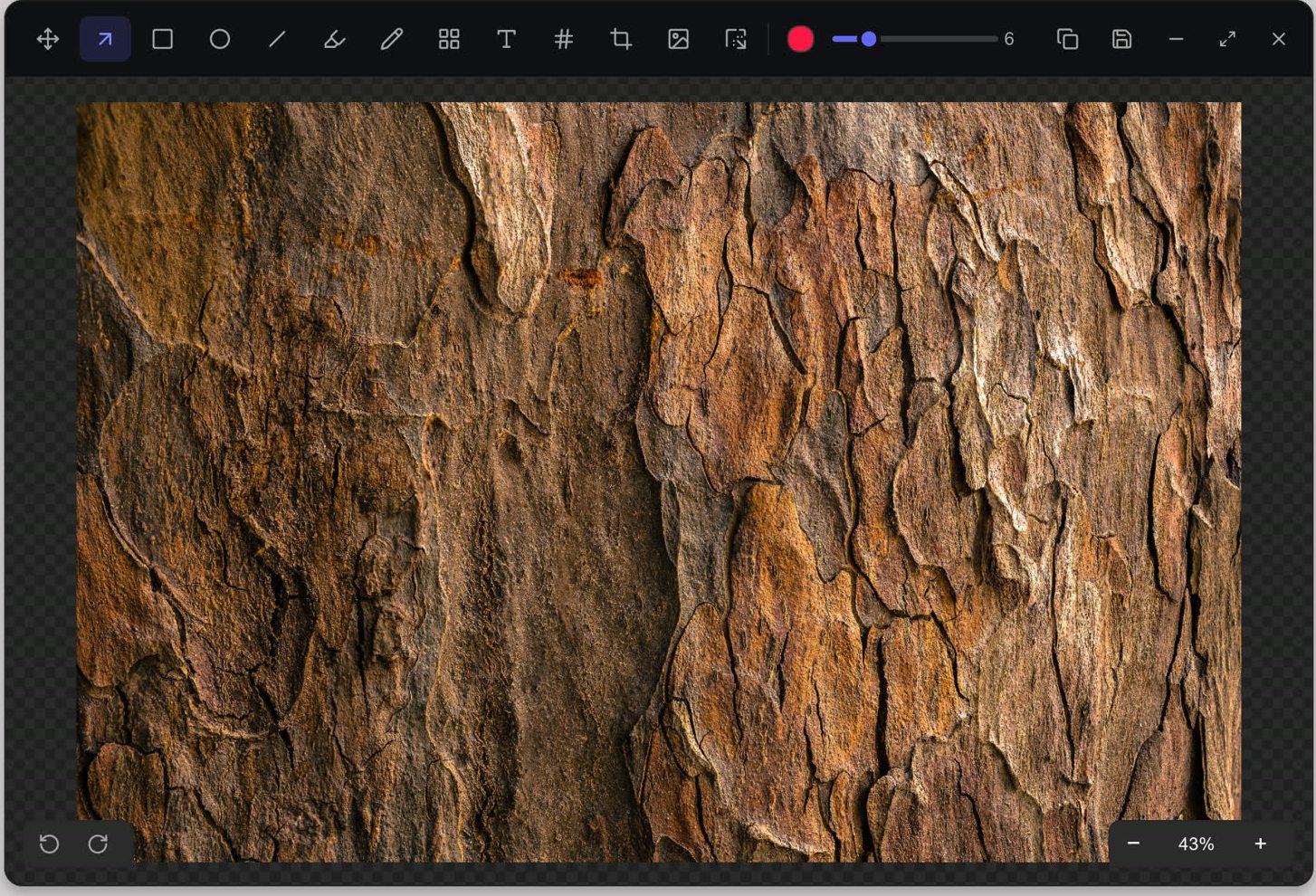
Editor
Annotate it and make it
ready to send.
Arrow, rectangle, text, highlighter, numbered counters, blur and crop. Then put the screenshot on a nice background, with padding, corners and shadow.
- Blur or pixelate what should not show
- Solid, gradient or blurred background
- Undo and redo as much as you like
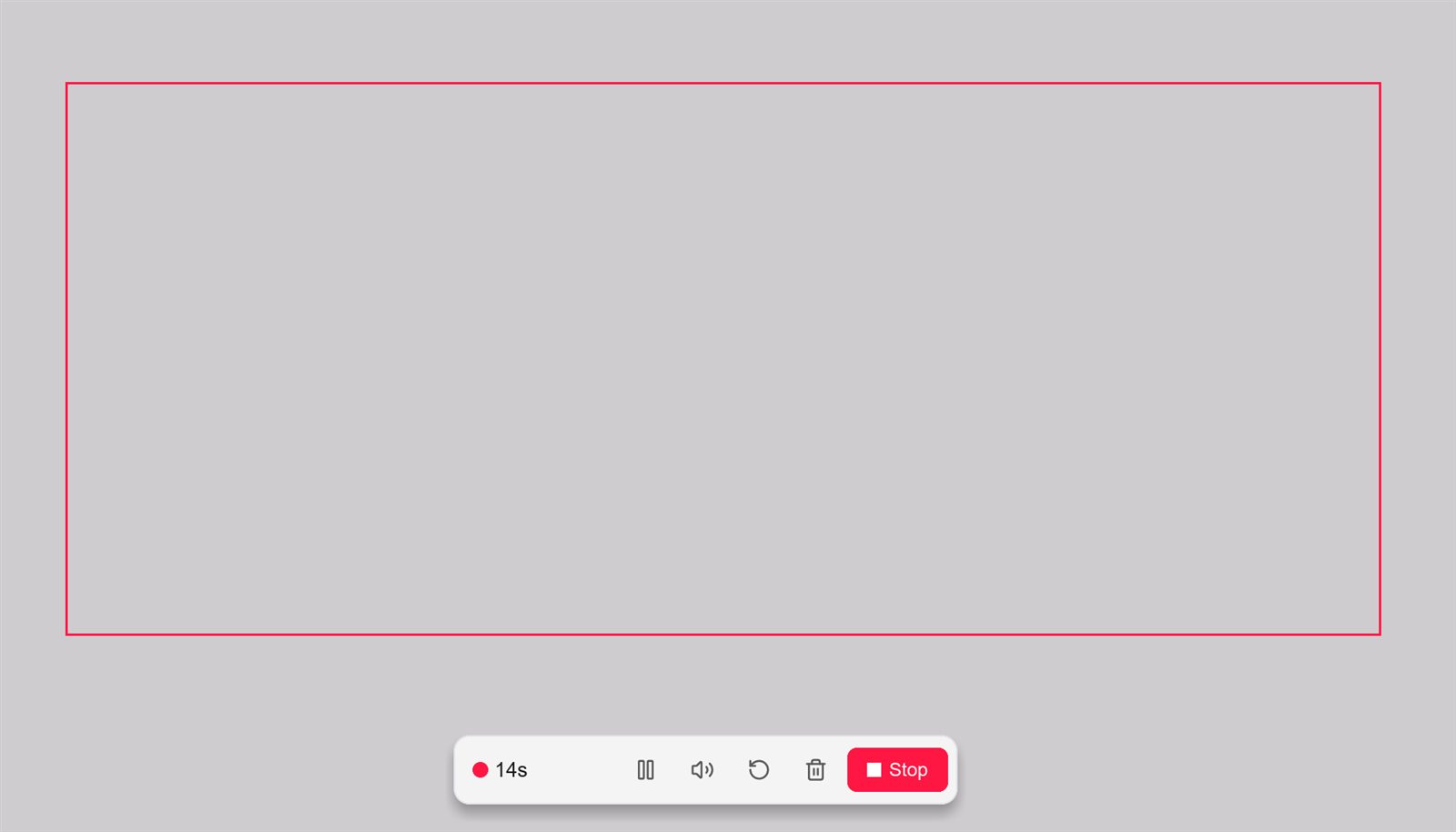
Recording
Record the screen
with the sound.
A region or the whole screen to MP4, with system audio and your mic, at 30 or 60 fps. A small floating bar pauses, restarts or discards without leaving what you are showing.
- Countdown first and a frame around the recorded area
- Pause, mute and restart with F6 to F10
- Export a GIF to drop into any chat
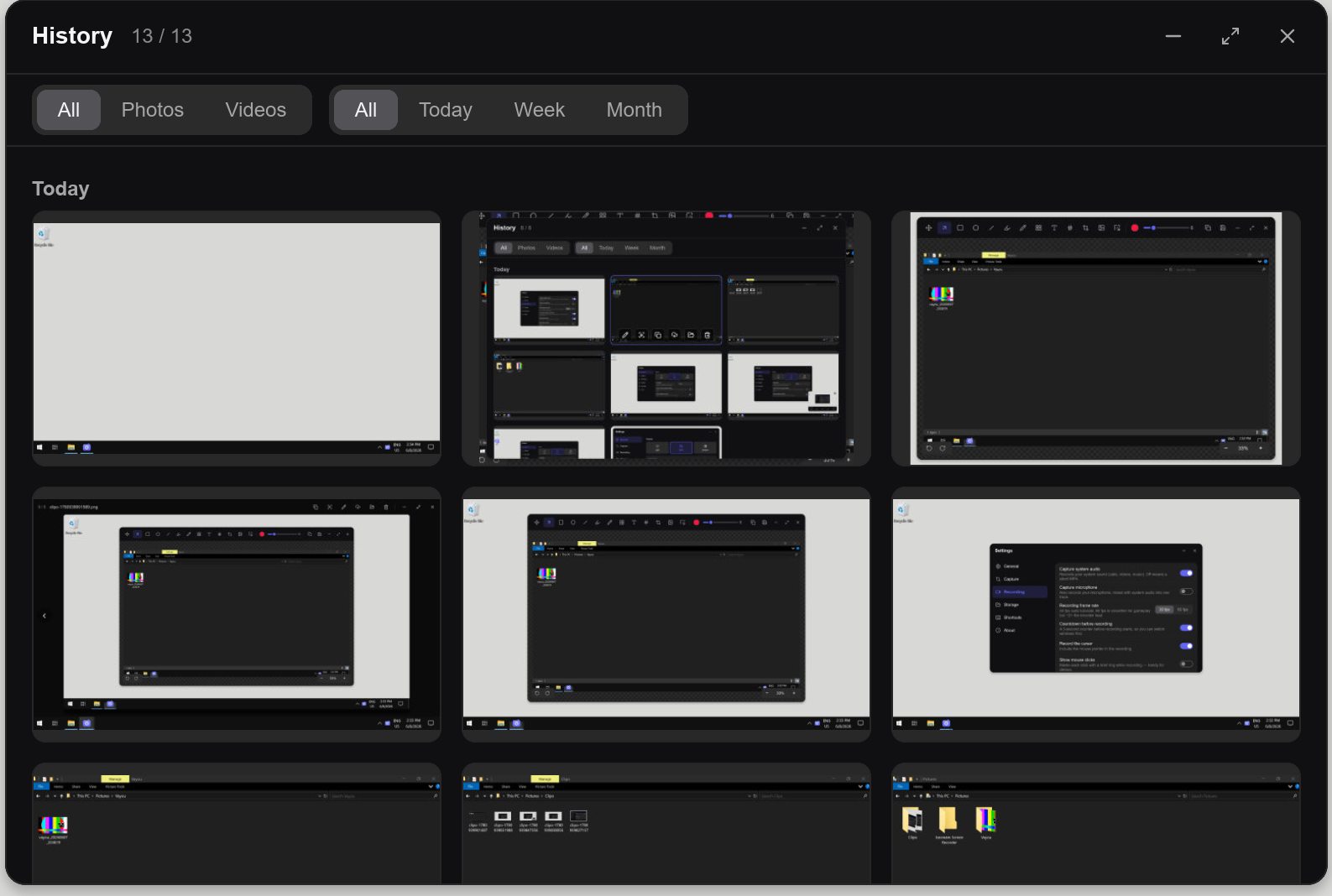
History
Everything you captured,
in one place.
A gallery of your screenshots and videos, with filters. Open, copy, edit or share again — deleted items go to the Recycle Bin, not into thin air.
- Built-in viewer that plays GIFs
- "Open with Clipo" for PNG, JPG, GIF, WEBP and BMP
- Upload to your own R2 or S3, link copied for you
And everything else you need.
No need for three programs to do the job of one.
The screen freezes while you choose, with a 4x loupe and the size of the area next to the cursor.
Hover and the window lights up. One click and it is captured.
Ctrl+Shift+T and the text from any part of the screen lands on your clipboard. Works offline.
Cloudflare R2 or any S3 with your own keys. The same file is never uploaded twice.
Rounded, borderless windows in the Windows 11 look.
Every update is checked against a signature before it replaces the program.
Shortcuts
Everything one key away.
Shortcuts work from any program, and each one can be changed in settings.
- All-in-one menu
- PrintScreen
- Region
- Ctrl + PrtSc
- Full screen
- Shift + PrtSc
- Window
- Ctrl + Shift + W
- Record
- Ctrl + Shift + R
- Text from image
- Ctrl + Shift + T
Questions
How much does it cost?+
Nothing. Clipo is free and open source, with no ads and no account.
Do I need admin rights to install it?+
No. It installs just for your user, without the Windows permission prompt, and uninstalls from Windows settings.
Does text recognition need internet?+
No. It uses what already ships with Windows and runs on your computer.
Where do my screenshots go?+
To the folder you choose. They only go online if you set up your own R2 or S3 and choose to upload.
Why does Windows warn me the first time?+
The installer is not digitally signed yet, so SmartScreen asks for confirmation. Click "More info" and "Run anyway".

Your next screenshot starts with one key.
The download is coming soon. Meanwhile, take a look at the other Ohgawa apps.
See the Ohgawa apps