For Windows and Linux
Torrents, light and fast,
and never stuttering.
A BitTorrent client that opens instantly, barely touches the CPU and shows everything that matters without getting in the way.
- To open
- 92 ms
- Memory
- 58 MB
- Window hidden
- 0% CPU
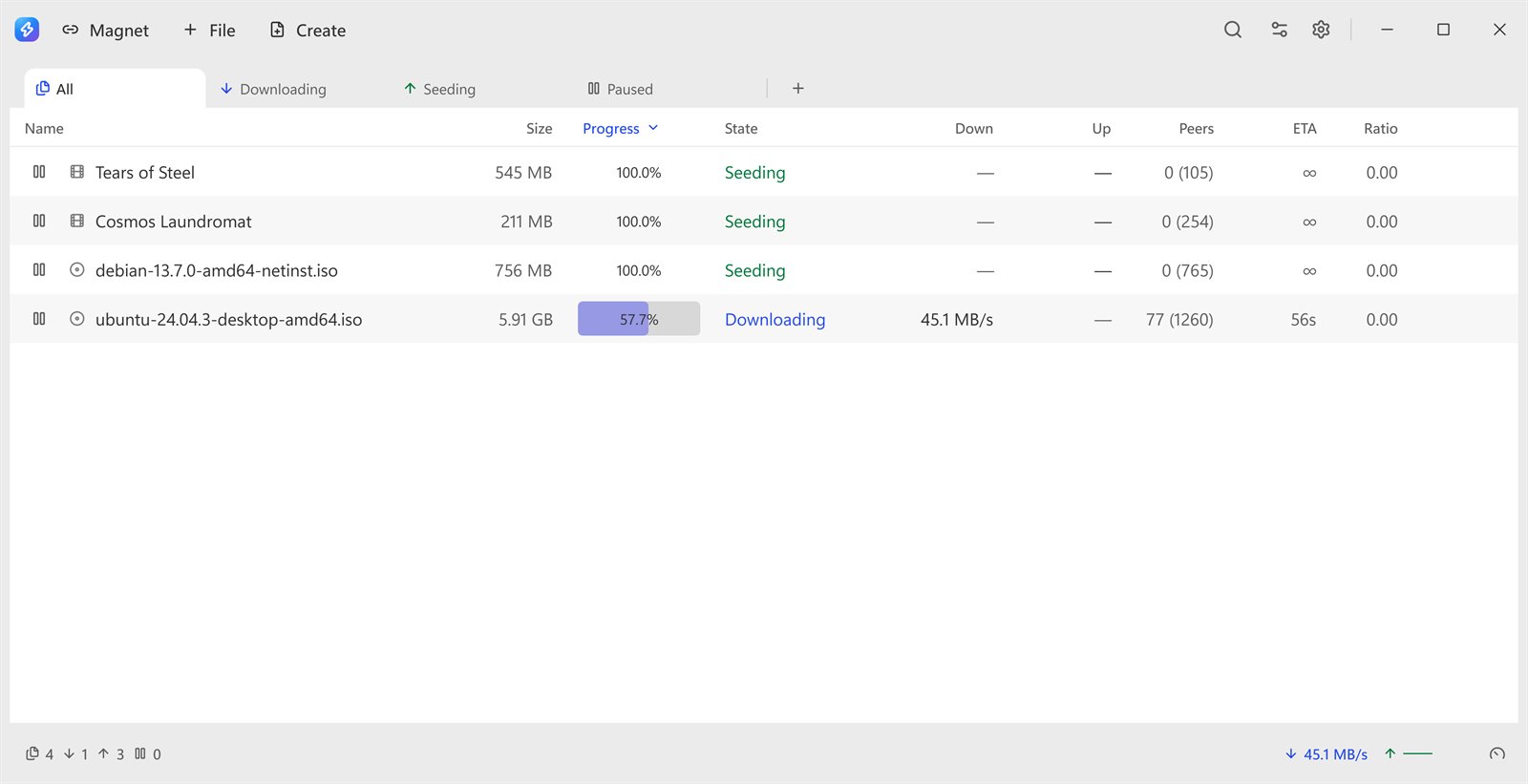
Before downloading
See the files
before spending bandwidth.
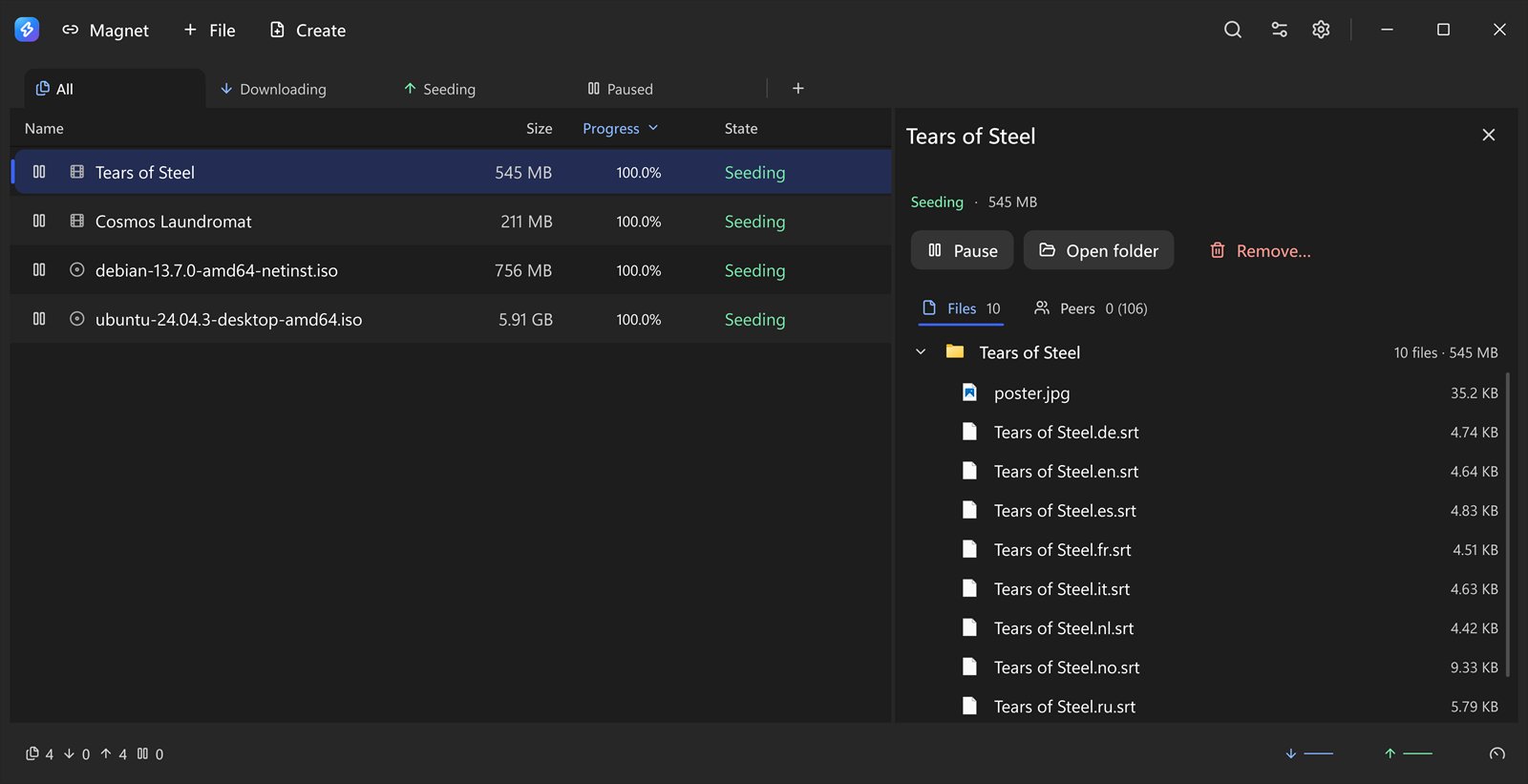
Paste a magnet with Ctrl+V or open a .torrent: Zerem shows the file list first and warns you if it will not fit on the disk. Pick what to download — and change your mind any time.
- "Fetch this first" for the file you want now
- A watched folder picks up .torrent files on its own
- Categories, each with its own folder
Everything a torrent client needs.
And nothing that weighs it down.
A cap on active downloads — and seeding does not count toward it.
A stuck torrent tells you why in plain words, not an error code.
Your normal limits and a slower second set, switched from the footer or on a schedule.
DHT, UPnP, IPv6, uTP, encryption and SOCKS5 proxy.
The country of each peer, without asking anything outside your computer.
Speaks the qBittorrent API, off by default and local only.
At a share ratio or after a number of hours, and move files when done.
Remappable shortcuts, screen-reader labels throughout and columns your way.
Every update is checked against a signature before it replaces the program.
Measured
Measured, not promised.
On a Ryzen 9 7900 with Windows 11, median of five runs.
- Click to window
- 92 ms
- Memory in use
- 57.6 MB
- CPU while downloading
- 1.45% per MB/s
- CPU while seeding
- 0.77%
- With the window hidden
- 0.000%
- Program size
- 19 MB
Questions
How much does it cost?+
Nothing. Zerem is free and open source (GPLv3), with no ads and no account.
Do I need admin rights?+
No. On Windows it installs just for your user. On Linux there is a .deb, a PKGBUILD for Arch and an installer that goes into your home folder without root.
Does it have search or RSS?+
No, on purpose. Zerem downloads what you give it and does that well — finding torrents stays with the site you already use.
Does it work with private trackers?+
It depends on the tracker. Some only accept a list of known clients and may refuse Zerem.
Does it keep downloading with the window closed?+
Yes. It sits in the tray, spending no CPU on drawing, and downloads carry on.

Download more, wait less.
The download is coming soon. Meanwhile, take a look at the other Ohgawa apps.
See the Ohgawa apps